L5: Creative Coding in Lua
A downloadable tool
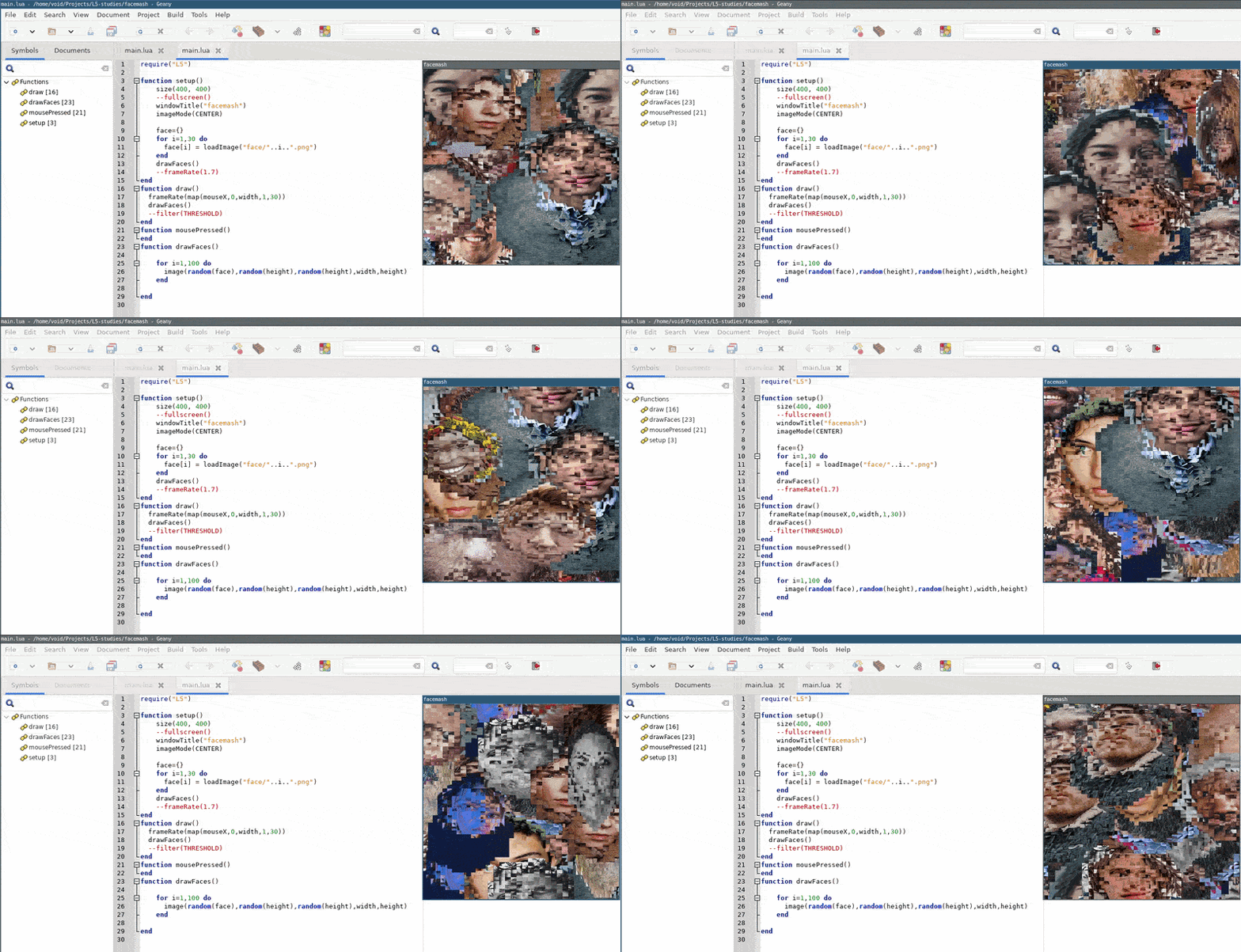
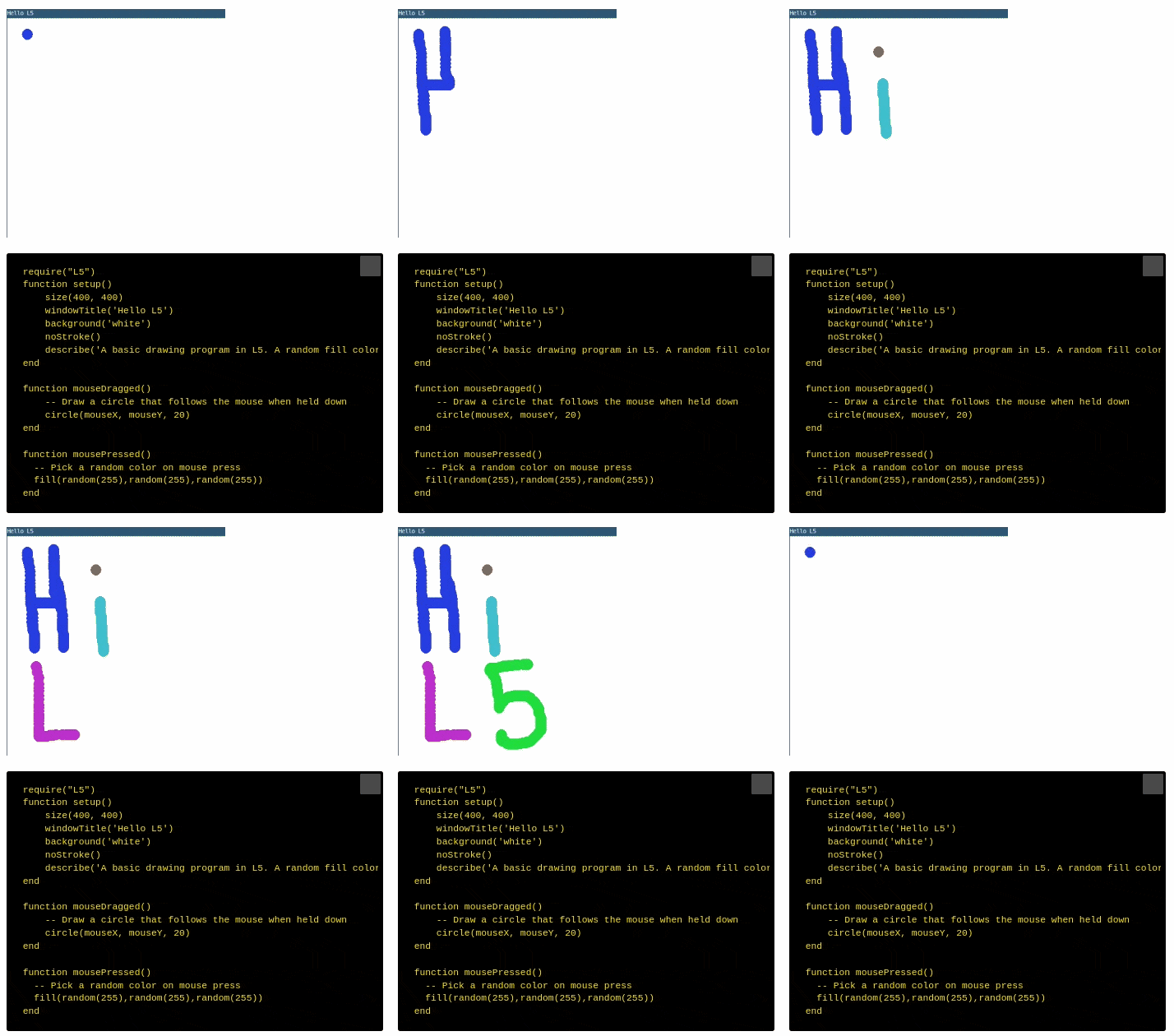
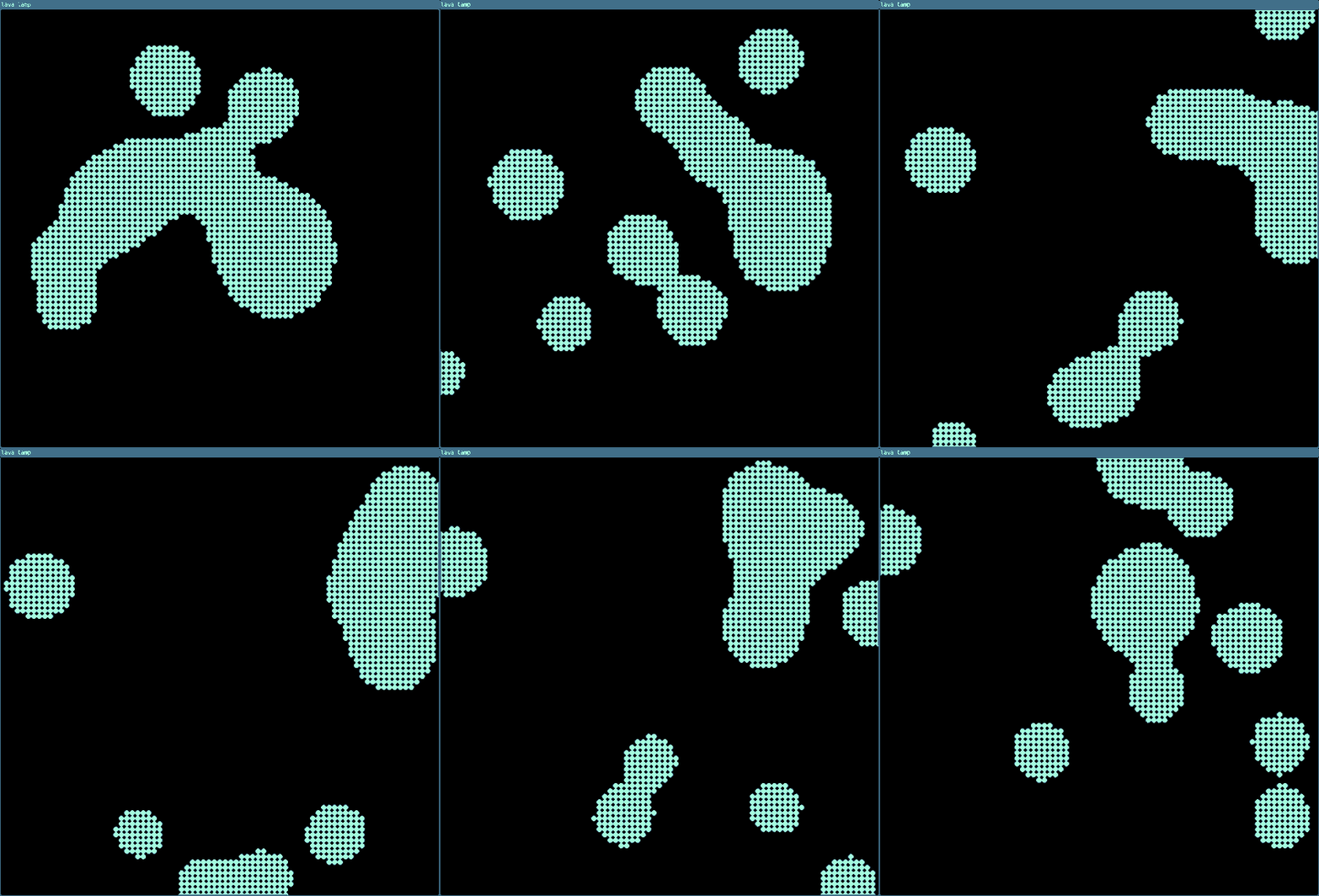
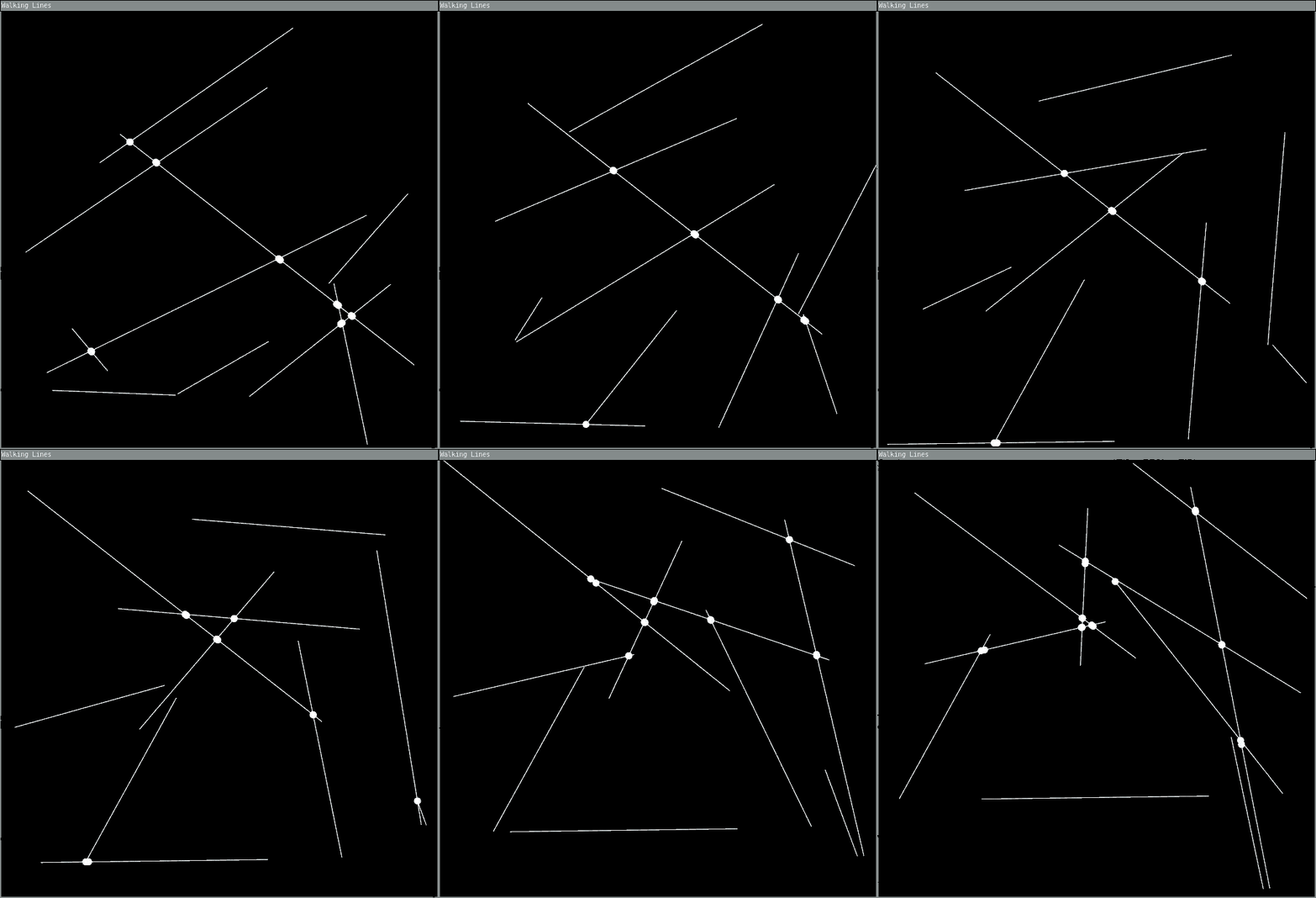
L5 is a fun, fast, cross-platform, and lightweight implementation of the Processing API in Lua. It is a free and open source coding library to make interactive artwork on the computer, aimed at artists, designers, and anyone that wants a flexible way to prototype art, games, toys, and other software experiments in code.
If you've used Processing or p5.js to do creative coding, you will be easily able to use your knowledge to get started. If you're new to creative coding, check out the tutorials and other documentation.
L5 is designed to work cross-platform, including on desktop, phone, and tablet. Beyond running fast on modern machines, L5 is optimized for older and lower-powered devices, minimizing resource usage to keep creative coding accessible to everyone. This helps with our goal of building resilient, long-lasting software projects. L5 is built in Lua, a robust but lightweight, long-running, lightning-fast, extensible language.
L5 is free and open source, with the latest library always available for download along with the latest documentation.
Three steps to get started using L5:
To code with L5 you'll need a code editor, the LOVE framework that runs L5, and a copy of the L5.lua library file.
You can find detailed step-by-step install instructionsfor each operating system on the website. Here's a summary:
- Install a code editor. We recommend VS Codium or VS Code if you're new because you can add the L5lua extension to easily run L5 projects directly from the editor.
- Install Love2d for your computer system
- Download and unzip the L5-starter folder (contains L5.lua file and main.lua where you write your code)
- If you're using the L5lua extension with VS Codium or VS Code, open your unzipped L5 Starter folder inside the code editor and click on main.lua. On the status bar you can click the Play L5 button to run your program. If you're using another code editor, you can drag your L5-starter folder onto the Love application to run it, or launch it from its directory in a terminal via `love .`.
Additional options for running your programs can be found in the documentation.
Documentation
- Getting Started
- Reference
- Tutorials
- Examples
- If you've used Processing or p5.js before, check out the article L5 for Processing/p5.js programmers
L5 aims to make creative coding accessible, fast, and fun while leveraging the power and simplicity of Lua and a commitment to making resilient, long-lasting tools.
Download
Install instructions
- Install Love2d for your computer system
- Download and unzip the L5-starter folder (contains L5.lua file and main.lua where you write your code)
- Drag your L5-starter folder onto the Love application to run it. Edit main.lua to write your own programs. Save and drop onto Love to run them. Or run them from your favorite code editor or the command line. (See documentation for more info on additional options)
Development log
- L5 Cyber Cafe at Processing Community Day NYC10 days ago
- Announcing the L5 Community Jam21 days ago
- Why you should use L5 (and when you shouldn't!)34 days ago
- L5 Summer Round Up53 days ago
- New L5 extension in VSCode/ium, Mastodon, and bug fixes and other notes70 days ago
- Welcoming Sam, our Summer of Code ContributorJun 02, 2026
- Hello (world) Itch!Jun 01, 2026